


















Download
the app
Crooner Radio

The best of the greatest international variety standards on your Apple and Android smartphones

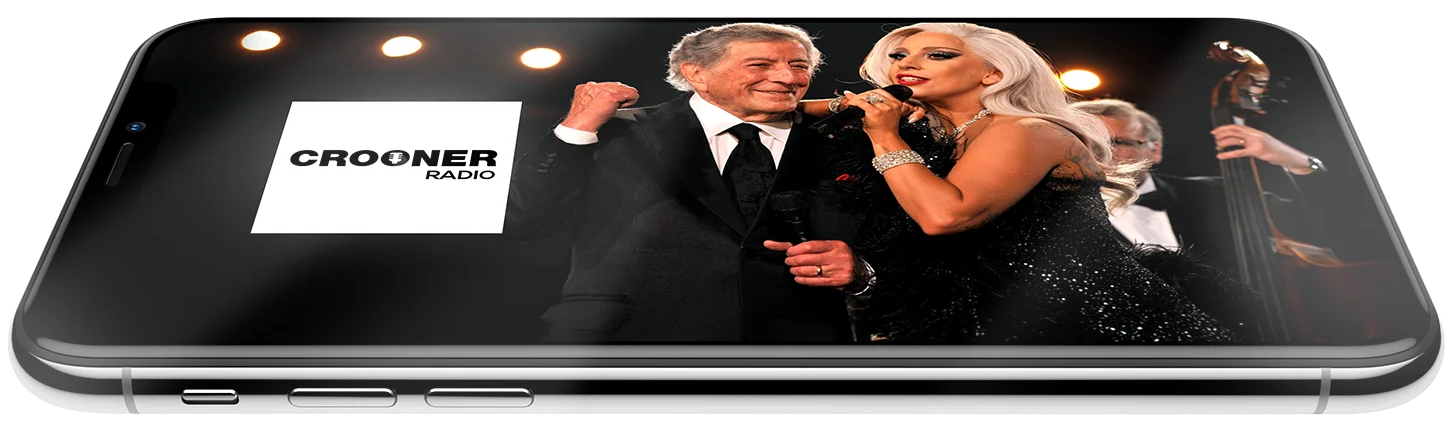
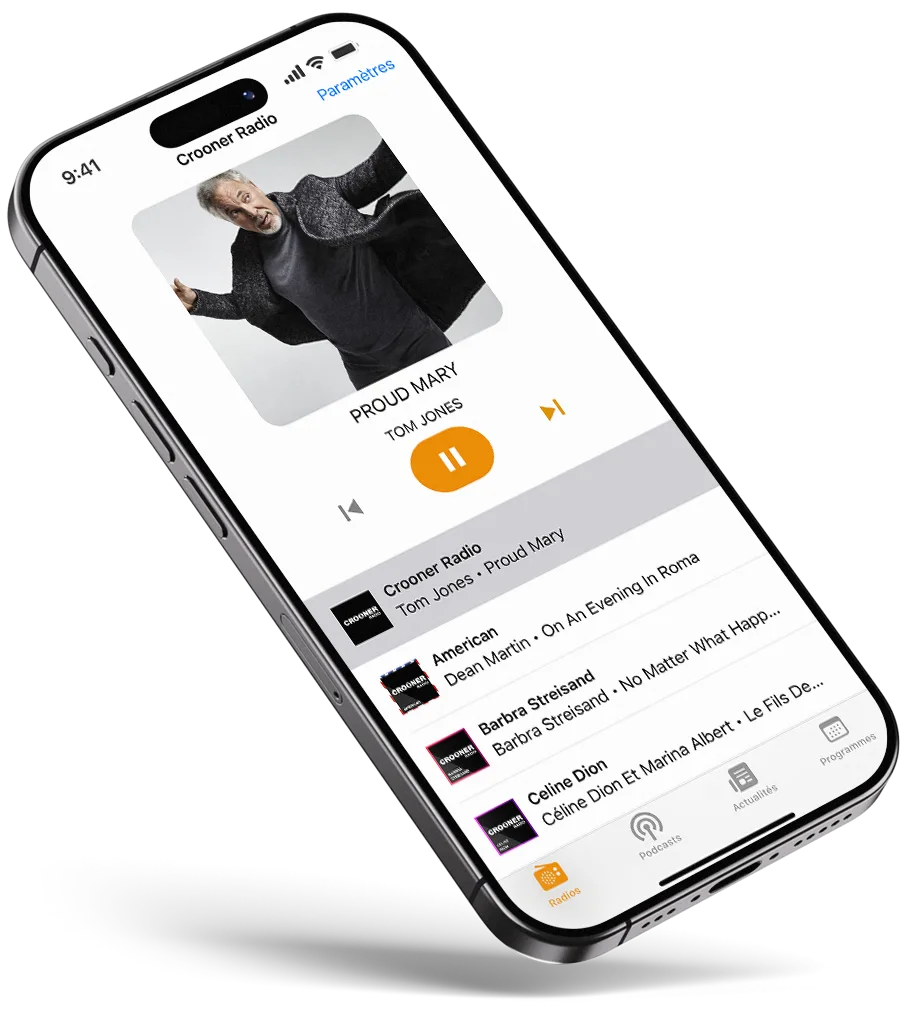
Crooner Radio is a true way of life, a world of its own that we invite you to enter through our iOS and Android app, which allows you to listen live to our national station and more than 24 thematic web radios. Available on your smartphone and tablet, Android and Apple, and compatible with Android Auto. With the Crooner Radio app, listen to or replay your shows and segments as a podcast at any time. Wake up gently with one of our stations using the alarm clock function. The Crooner Radio app also allows you to follow all the news about our station, music, concerts, shows, and movie releases. !


Install the Crooner Radio app for free on your smartphone and tablet, Android, Apple, and even in cars compatible with Android Auto*, subject to a 3G/4G/5G or Wi-Fi connection, for listening on the go.


Download_Application_Google_Play_Store_Crooner Radio-Jazz_Android_Auto_TV
Download_Application_Apple_Store_Crooner-Radio-Jazz_IOS_Car_Play_AppleTV
Frequently Asked Questions (FAQ)

The Crooner Radio app is available for free download on the App Store for iOS devices and on Google Play for Android devices. Just search for “Crooner Radio” and click the download button.

Yes, the Crooner Radio app is completely free and allows you to listen live to all the shows and music from your favorite station, at no additional cost.
The app is compatible with all iOS devices (iPhone, iPad, iPod touch) and Android (smartphones and tablets) running on recent versions of the operating systems.
No, the Crooner Radio app requires an internet connection to listen to live radio. However, you can stream the station via Wi-Fi or 3G/4G/5G mobile data.

Yes, you can listen to Crooner Radio anywhere in the world. As long as you have an internet connection, you can enjoy crooner music and vocal jazz, wherever you are.

To download the Crooner Radio app on your Android device:

  1. Open the Google Play Store on your smartphone or tablet.
  2. Type “Crooner Radio” in the search bar.
  3. Select the Crooner Radio app from the results.
  4. Click on Install and wait for the download to finish.
  5. Once the installation is complete, open the app and enjoy your favorite crooner music!

To download the Crooner Radio app on your iPhone or iPad device:

  1. Open the App Store on your iOS device.
  2. Type “Crooner Radio” in the search bar.
  3. Select the Crooner Radio app.
  4. Press the Get button and confirm with your Apple ID.
  5. Once the app is downloaded and installed, open it and start listening to your favorite crooner music!

The Crooner Radio app is available for all Android smartphones, regardless of brand. Here are the simple steps to download and install the app on your device, whether it’s a Samsung, Google Pixel, Xiaomi, Asus, Sony, Oppo, Realme, Honor, or Vivo.

General steps to download Crooner Radio on an Android smartphone:

  1. Open the Google Play Store:
    On your Android smartphone, find and open the Google Play Store app (the green icon with the triangle).

  2. Search for Crooner Radio:
    In the search bar at the top of the screen, type “Crooner Radio”.

  3. Select the app:
    Find the Crooner Radio app in the search results and tap on it.

  4. Tap Install:
    Once on the app page, tap the Install button. The app will automatically download to your device.

  5. Launch the app:
    Once the installation is complete, open the app by tapping Open from the app page, or find the Crooner Radio icon on your home screen or in your app drawer.

For specific Android smartphone brands:

Samsung

  1. Open the Google Play Store.
  2. Type “Crooner Radio” in the search bar.
  3. Follow the same steps to install the app.

Google Pixel

  1. Open the Google Play Store.
  2. Search for “Crooner Radio”.
  3. Tap Install to download the app.

Xiaomi (MIUI)

  1. Open the Google Play Store.
  2. Search for “Crooner Radio”.
  3. Click on Install.

Asus

  1. Open Google Play Store.
  2. Type “Crooner Radio” in the search bar.
  3. Select Install.

Sony

  1. Launch Google Play Store.
  2. Type “Crooner Radio”.
  3. Tap Install.

Oppo

  1. Open Google Play Store.
  2. Type “Crooner Radio”.
  3. Tap Install to download the app.

Realme

  1. Open the Google Play Store.
  2. Type “Crooner Radio”.
  3. Tap Install.

Honor

  1. Go to Google Play Store.
  2. Search for “Crooner Radio”.
  3. Click on Install.

Vivo

  1. Launch Google Play Store.
  2. Type “Crooner Radio” in the search bar.
  3. Tap Install.
Your reviews
L'application Crooner Radio
Download the app
Crooner Radio
Share our app